A philosophy for window management
its taken me 20+ years , but i’ve finally distilled my usage of my WM down to a core set of principles that focus on efficiency and predictability.
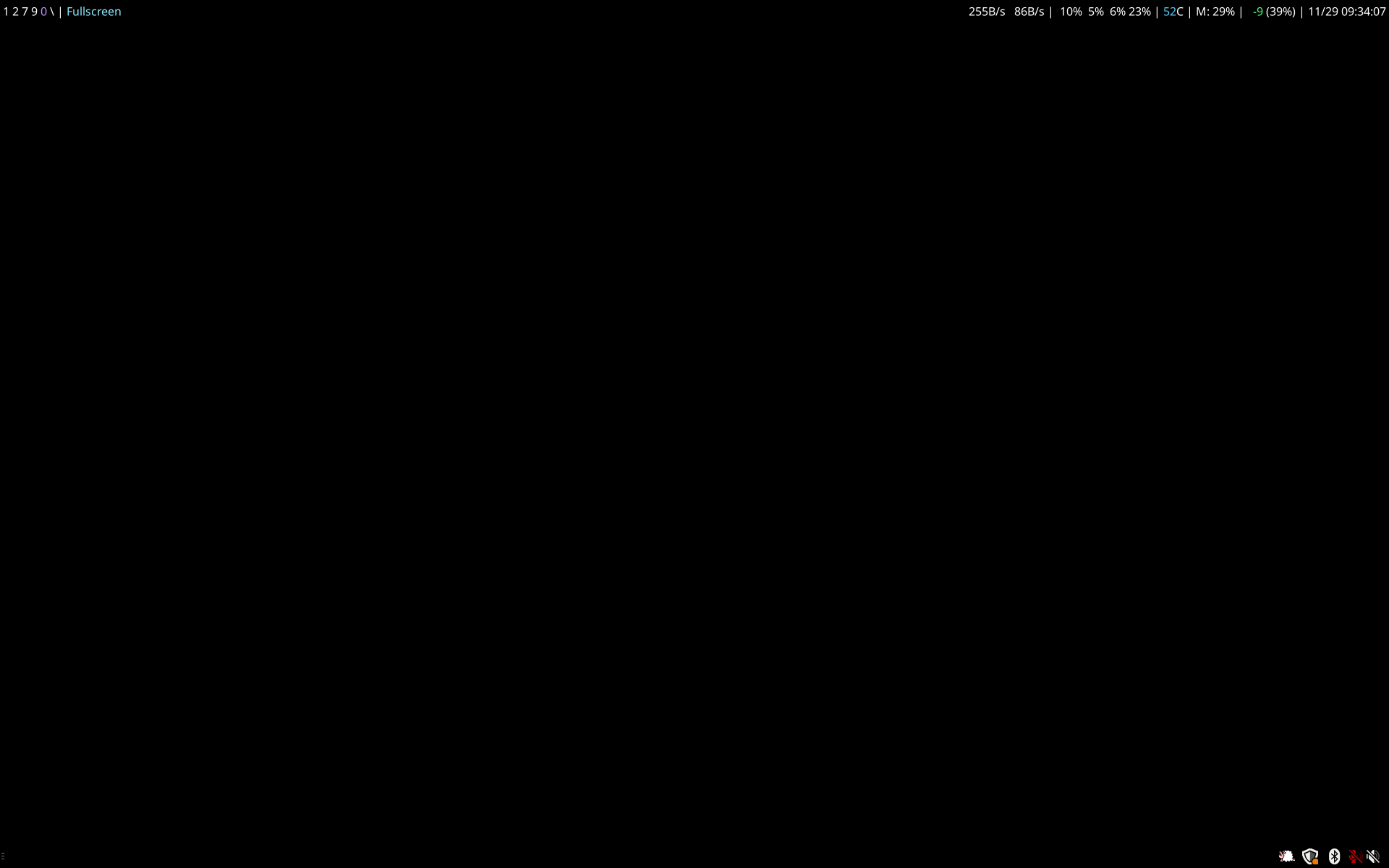
quick spec
- one window per workspace, occassionally a vertical split for two windows
- direct access to any workspace via keyboard shortcuts
- pinned workspaces per monitor, with [1-7] on the left, [8,9,0,\] on the right and [u,i,o,p] / [z,x,c,v] are allowed on either monitor
- mouse movement is deliberate: switching to a workspace does not move the mouse
- i can move the mouse or throw windows between monitors with a single shortcut
why
the main feature is the ability to summon the exact window i want and display it fullscreen
my workflow revolves around workspaces. each one holds a single fullscreen window. generally, i’ll have somewhere between ten and twenty workspaces. i’ll occassionally use a vertical split and show two windows at once.
i have pinned workspaces that only display on a specific monitor. summoning a pinned workspace will change what is shown on that monitor, but it will not move the mouse or window focus to that monitor.
this makes it really easy to call up reference material or logs on the side without disrupting whatever i’m doing in the main flow.
the rest of my workspaces are unpinned and can float to whichever monitor
keybindings:
- mod-[workspace] to jump to any workspace and mod-shift-[workspace] to move a window to a workspace
- mod-[h,l] to focus either monitor and mod-shift-[h,l] to move windows
- mod-[j,k] to change the focused window
- mod-delete to kill a window
- ctrl-space to summon the quick launcher
other reading: